Character Counter
Count characters with and without spaces as you type, and see how much room you have left for posts, titles and meta descriptions.
Characters
0
Without spaces
0
Letters
0
Digits
0
Spaces
0
Words
0
Lines
0
| Where | Limit | Remaining |
|---|---|---|
| SEO title tag | 60 | 60 |
| Meta description | 160 | 160 |
| SMS message | 160 | 160 |
| X (Twitter) post | 280 | 280 |
| Instagram caption | 2,200 | 2,200 |
| LinkedIn post | 3,000 | 3,000 |
A character counter that counts the way people actually read
A character counter tells you how long a piece of text is, measured in the smallest units a reader sees: letters, digits, spaces, punctuation marks and symbols. Word counts suit essays and articles. Characters are the measure that matters wherever space is fixed, like a social post, a search result snippet, a text message, a product title or a form field that cuts off at 250. Paste or type your text above and the count updates on every keystroke. You also get the number without spaces, the letters and digits within it, and a table showing how much room is left against the limits people run into most often.
What counts as a character
Every visible symbol is a character, and so is every space, tab and line break. "Hello, world!" is thirteen characters: ten letters, a comma, a space and an exclamation mark. That is the figure most platforms use, and it is the one shown at the top of the results.
Emoji and accented letters are where counters disagree. A thumbs-up emoji or a family emoji can be stored as two, four or even eleven separate code units, and many simple counters report all of them. This tool counts what a reader perceives as a single character, called a grapheme, so a family emoji counts as one and so does an "é" typed as e plus an accent. If you need the raw storage figure instead, the Text Size in Bytes Counter shows exactly how many bytes the same text occupies.
Characters with spaces and without spaces
The two figures answer different questions. Characters with spaces is what a text box, a tweet or an SMS measures, because a space takes up room just like a letter does. Characters without spaces is common in translation and typesetting quotes, some academic requirements and a few publishing contracts, where the point is the amount of actual writing rather than the layout. Both are shown side by side, and if the no-spaces figure is the one you are working to, the Character Counter Without Spaces puts it front and centre.
Limits worth knowing
The table under the results checks your text against limits that come up again and again:
- SEO title tag: about 60 characters before search engines tend to truncate it.
- Meta description: about 160 characters for the snippet under a search result.
- SMS: 160 characters for a single standard message. Emoji or non-Latin scripts switch the message to a different encoding with a 70-character limit.
- X (Twitter): 280 characters per post.
- Instagram caption: 2,200 characters.
- LinkedIn post: 3,000 characters.
Treat the title and description figures as guides rather than hard rules. Search engines truncate by pixel width, so a title full of wide letters like W and M runs out of room sooner than one full of i and l. Staying a few characters under the figure is the safe approach.
Who uses a character counter
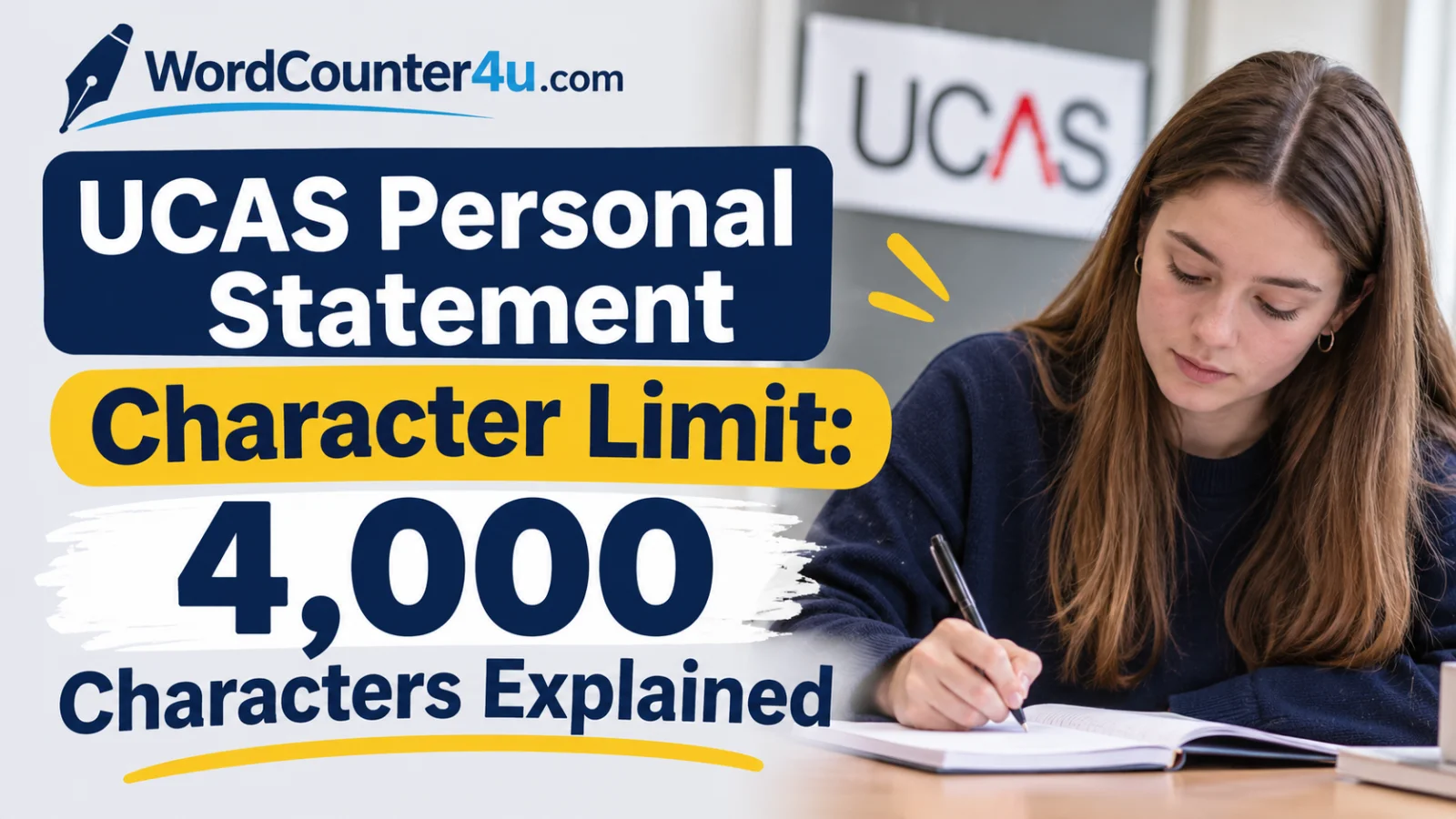
Social media managers use it to fit a message into one post without the last line being cut. Marketers check ad headlines and descriptions, which most ad platforms cap at 30, 90 or 150 characters. SEO writers draft title tags and meta descriptions. Students meet application forms and personal statements with strict character limits; UCAS personal statements, for example, have historically been limited to 4,000 characters including spaces. Developers check strings against database column widths, and translators quote work by character count.
Tips for writing to a character limit
Write the full version first, then cut. It is easier to remove words than to squeeze ideas in as you go. Look for filler phrases such as "in order to", "the fact that" and "at this point in time", which can usually become "to", "that" and "now". Swap long words for short ones where the meaning holds: "use" for "utilise", "help" for "facilitate". Numerals save space over spelled-out numbers. Watch your spaces too. Double spaces after a full stop and trailing spaces at the end of lines all count toward the total, and the Space Counter will find them.
Common character limits in everyday work
Beyond social platforms, character limits turn up in places people don't expect. Google Ads responsive search ads allow headlines of 30 characters and descriptions of 90. App store listings cap the app name at about 30 characters and the subtitle at 30 on Apple's store, with an 80-character short description on Google Play. Many job application and grant portals limit answers to 1,000, 2,000 or 5,000 characters including spaces, and they often reject the submission rather than warn you. Email subject lines have no formal limit, but mobile inboxes show roughly 30 to 50 characters before cutting off, so the opening words do the most work.
When a form enforces its own limit, it usually counts the same way this tool does, characters including spaces. Line breaks are the exception, because some systems store a line break as two characters (a carriage return and a line feed). If you are a handful of characters over on a form that accepts multiple paragraphs, that is the likely reason. Removing a blank line or two usually fixes it.
Reading the breakdown
The figures under the main count help you see where your characters are going. A large gap between characters with spaces and without spaces means a lot of whitespace, which is common in text copied from PDFs or slides, where extra spaces and line breaks sneak in. A high digit count suggests a data-heavy passage that might read better as a table. And if the letter count is much smaller than the character count, punctuation, symbols or emoji are taking up a lot of room.
Private by design
The text you paste here never leaves your browser. Counting happens on your own device, nothing is uploaded or stored, and closing the tab discards everything. That makes the counter safe for drafts, unreleased announcements and anything confidential. For words, sentences, reading time and keyword density alongside characters, open the full Word Counter.
How to use it
- 1
Paste or type your text
Drop any text into the box. The count starts immediately, and there is no button to press.
- 2
Read the headline number
The large figure is characters including spaces, the count most platforms and form fields use.
- 3
Check the breakdown
Below it you will find characters without spaces, letters, digits, spaces, words and lines.
- 4
Compare against limits
The table shows how many characters you have left, or how far over you are, for titles, descriptions, SMS and social posts.
Features
Live counting
Every keystroke updates the totals, even on long documents.
Emoji-aware
Emoji and accented letters count as one character each, the way a reader sees them.
Platform limits
Remaining space for title tags, meta descriptions, SMS, X, Instagram and LinkedIn at a glance.
Nothing uploaded
Your text is counted in the browser and never sent to a server.
Domande frequenti
Does the character count include spaces?
The main figure does, because that is what most platforms and form fields measure. The count without spaces is shown right next to it.
How are emoji counted?
Each emoji you see counts as one character, even when it is built from several code points, like a family or a flag. Some platforms count certain emoji as two, so leave a little margin on strict limits.
How many characters is a tweet?
A post on X can contain up to 280 characters. Links are counted as a fixed length regardless of how long the URL is.
How long should a meta description be?
Aim for about 150–160 characters. Search engines truncate by pixel width, so a slightly shorter description is safer than one right on the limit.
Why does a website count my text differently?
Some systems count a line break as two characters, and a few count certain emoji as two. If you are a few characters over on a strict form, remove a blank line or an emoji and try again.
Is my text saved anywhere?
No. Everything is counted in your browser, and nothing you type is uploaded or stored.
Rate Character Counter
No account needed, and ratings are anonymous.