Word Counter
Live word, character, letter, and sentence counts — with readability stats, keyword density, content detection, and text-to-speech built in.
5.0 out of 5 — from 1 rating for Word Counter
Live analysis
Words
0
Characters
0
Sentences
0
Paragraphs
0
Reading time
0.0min
Speaking time
0.0min
URLs
0
Emails
0
Phone numbers
0
Top keyword density
—
Keyword density
Start typing to see keyword density.
Content detected
- URLs0
- Email addresses0
- Phone numbers0
- Numbers0
- Currency0
- Hashtags0
- Mentions0
- Emojis0
Writing analysis
- Passive voice instances0
- Long sentences (25+ words)0
- Avg. words per sentence0.0
- ReadabilityEasy
A free word counter, character counter, and sentence counter — all in your browser
This word counter gives you an instant, accurate count of the words, characters, letters, and sentences in anything you write, along with the numbers editors and marketers actually check for: paragraph counts, reading and speaking time, keyword density, and readability. Use it as a word counter for an essay due at a strict limit, a character counter for a caption about to get cut off, or a quick letter counter when a form has its own separate rules. Once you're happy with the text, play it back with the built-in text-to-speech to catch anything that reads awkwardly out loud — a step most word counters don't offer at all. Nothing you type is uploaded, stored or sent to a server — every calculation runs on your own device, so drafts stay private even when you're pasting something confidential.
Who this is for
- Students checking an essay or assignment against a strict word count or character count
- Writers and editors confirming a piece fits a brief
- Marketers and SEO writers checking keyword density before publishing
- Social media managers confirming a caption fits a platform's character or letter limit
- Anyone proofing their work aloud using the text-to-speech playback before sending or publishing
- Job seekers preparing for a role that also expects strong keyboard speed — check your typing speed alongside your writing
- Anyone practicing or improving their speaking skills — use our speaking practice tool to practice with different skill levels and multiple languages, helping you build confidence and improve your speaking ability.
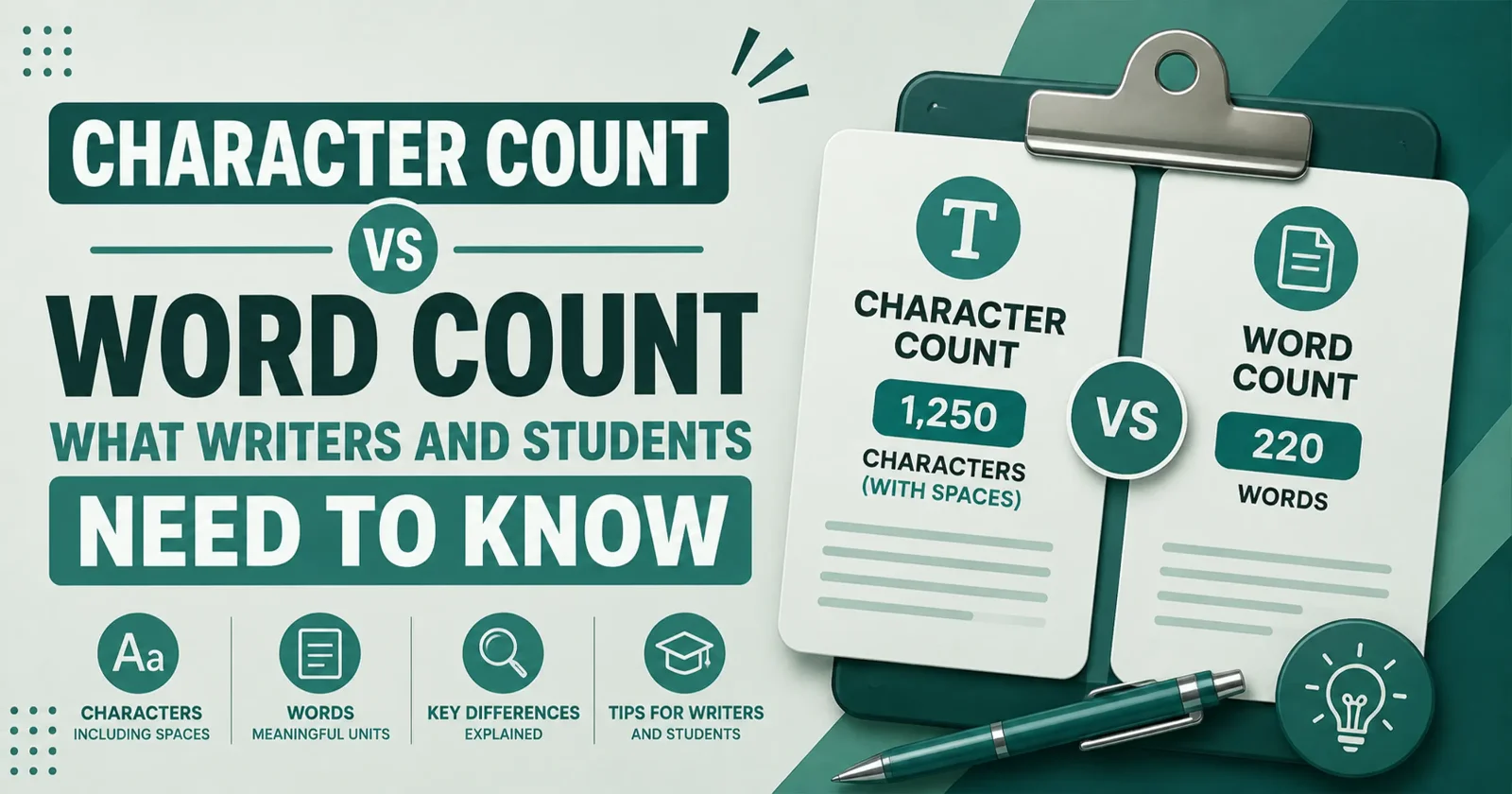
Word count vs. character count vs. letter count
These get mixed up constantly. Word count measures whole words, regardless of length. Character count measures every letter, space, and punctuation mark together. Letter count usually means just the alphabetic characters, excluding spaces and punctuation — useful for forms and puzzles that ask for it specifically. This tool shows word count and character count live, side by side, so you always know which number applies to your limit.
How to use it
- 1
Add your text
Type or paste directly into the editor, drag a file onto it, or use Upload. Text (.txt, .md), CSV (.csv, .tsv) and Word (.doc, .docx) files are read in your browser.
- 2
Watch the stats update
Words, characters, letters, sentences, paragraphs, and reading, speaking and writing times recalculate on every keystroke — there is nothing to submit.
- 3
Clean up and reformat
Select any part of your text and use Text Case to switch capitalisation or strip extra spaces, empty lines and stray whitespace. With nothing selected, the change applies to everything.
- 4
Dig into the analysis
Scroll down for keyword density, detected links, emails and numbers, plus readability scores and flags for passive voice and overlong sentences.
- 5
Take it with you
Download saves your text as TXT, Markdown, HTML, CSV, DOC, DOCX or PDF. Download audio turns it into an MP3 or WAV recording you can keep.
Features
Live counts
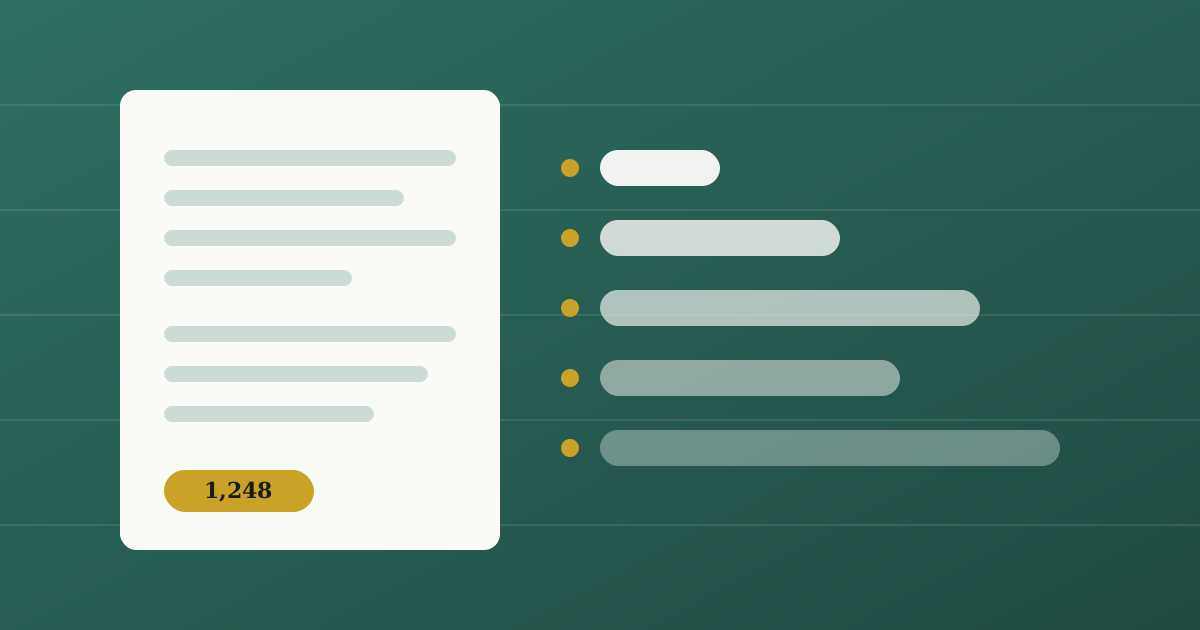
Words, characters, letters and sentences — with and without spaces — paragraphs and lines, updated as you type.
Reading & speaking time
Estimates at 200 words per minute for reading, 130 for speaking and 40 for writing.
Readability & writing analysis
Readability scoring plus flags for passive voice, overlong sentences and average word length.
Keyword density
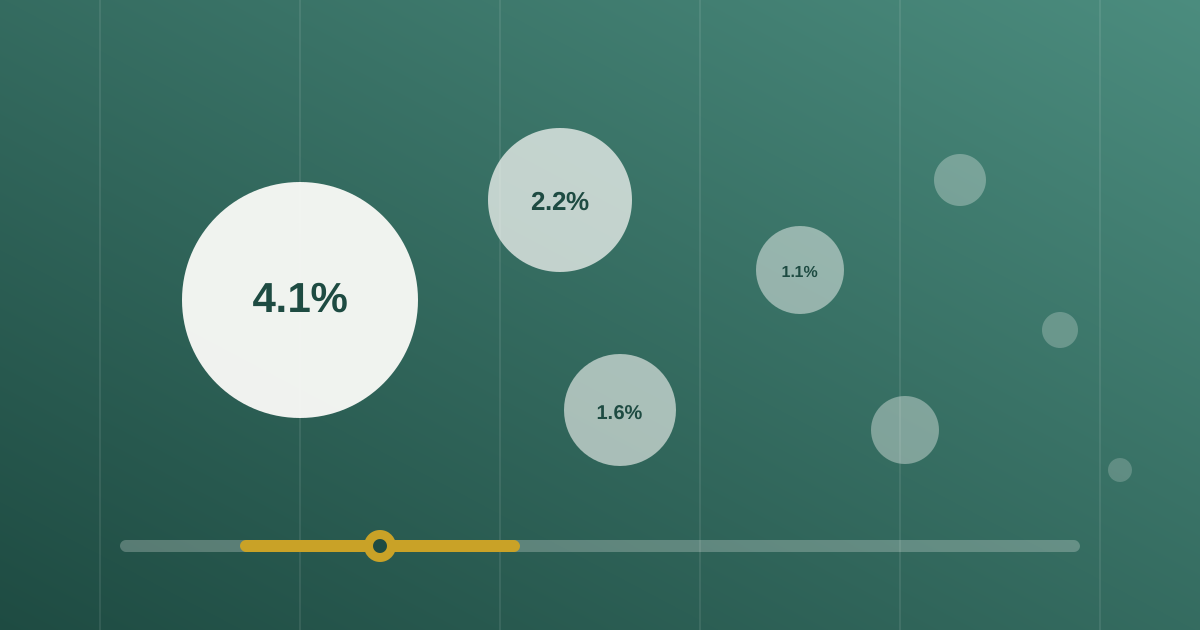
The terms you lean on most, with counts and percentages and common stop words filtered out.
Content detection
Finds URLs, emails, phone numbers, currency, hashtags, mentions and emoji inside your text.
Case & clean-up tools
Six case conversions and three whitespace cleaners, applied to your selection or the whole document.
Import from files
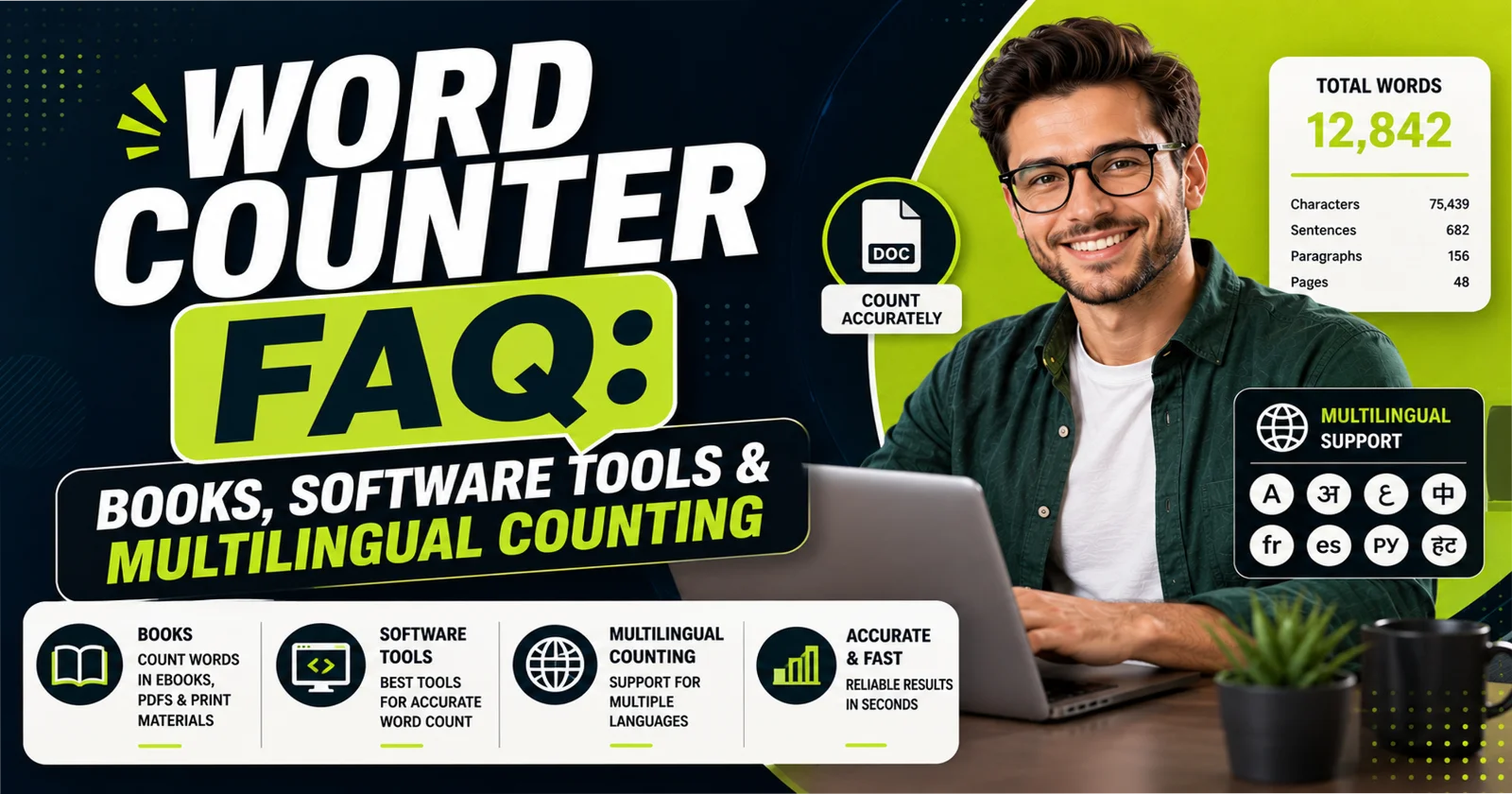
Drag, drop or upload text, CSV and Word documents — extracted in the browser, not on a server.
Export anywhere
Save as TXT, Markdown, HTML, CSV, DOC, DOCX or PDF, generated on the spot with no watermarks.
Read aloud & save audio
Play your text with your system voices, or download the reading as an MP3 or WAV file.
Private by design
Everything runs client-side. Your text never leaves your device, and there is no account to create.
Frequently asked questions
Does my text leave my device?
No — Privacy Mode keeps analysis fully client-side. Files you upload are parsed in the browser and never sent anywhere.
What file types can I upload?
Text (.txt, .md), CSV (.csv, .tsv), and Word documents (.docx, plus best-effort .doc). Everything is extracted in the browser.
What formats can I download?
Your text exports as TXT, Markdown, HTML, CSV, DOC, DOCX, or PDF — and the text-to-speech reading exports as MP3 or WAV audio.
Why does the downloaded audio sound different from Play?
Play uses your operating system's voices, which browsers cannot save to a file. Downloads are generated by an offline speech engine that runs inside the browser, so the file starts downloading immediately and your text still never leaves your device.
Can I change the case of just part of my text?
Yes — select the text you want first, and the Text Case menu (including the clean-up actions) applies only to that selection, which stays selected so you can chain conversions. With nothing selected it applies to the whole document.
How is reading time calculated?
Reading time assumes 200 words per minute; speaking time assumes 130 words per minute.
Does this tool count letters separately from characters?
Yes — character count includes every letter, space and punctuation mark together, while letter count (alphabetic characters only) is also shown, so you can check whichever number a specific form or limit asks for.
Does character count include spaces?
Yes and no — this tool shows both "characters with spaces" and "characters without spaces," since different limits specify one or the other.
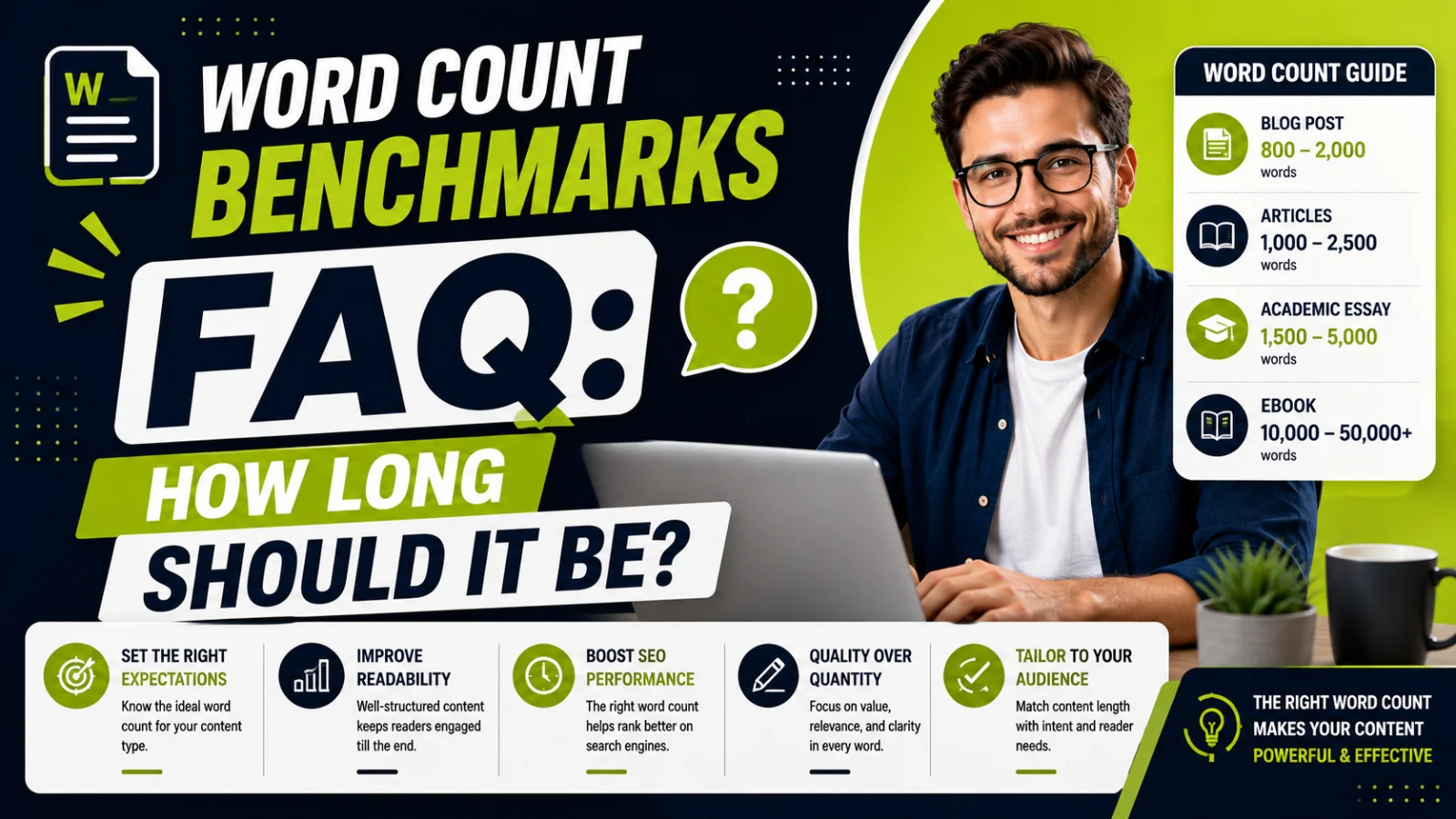
What's a good word count for an essay or blog post?
It depends on the content type — a standard essay commonly runs 1,000-1,500 words, while blog posts aimed at ranking in search often run 1,000-2,500 words.
What is keyword density and what's a healthy range?
Keyword density is how often a word or phrase appears relative to your total word count. Most SEO guidance suggests keeping a target keyword under roughly 2-3% to avoid over-optimization.
Is this word counter accurate for academic word limits?
Yes — it counts words the same whitespace-based way standard word processors do, consistent with what most academic institutions use to check assignment length.
Can I hear my text read aloud before I publish it?
Yes — press play to hear it read using your system's voices, or use Download audio to save the reading as an MP3 or WAV file.
Do you have a tool to check my typing speed too?
Yes — our typing speed test measures your words per minute and accuracy, useful if you're checking your writing and your typing speed for the same job application or goal.
Can I practice speaking skills at different levels and in multiple languages?
Yes — use our speaking practice tool to practice with tests designed for different skill levels and multiple languages. It’s a convenient way to improve your speaking skills, build confidence, and track your progress.
Rate Word Counter
No account needed, and ratings are anonymous.