Typing Test
Live speed and accuracy, finger training, and touch typing practice in one place.
4.7 out of 5 — from 11 ratings for Typing Test
Typing practice
WPM
0
Accuracy
100%
Mistakes
0
Time left
1:00
Progress
0%
Keep your fingers on the home row.
Next: "W" — Left Ring
Finger placement guide
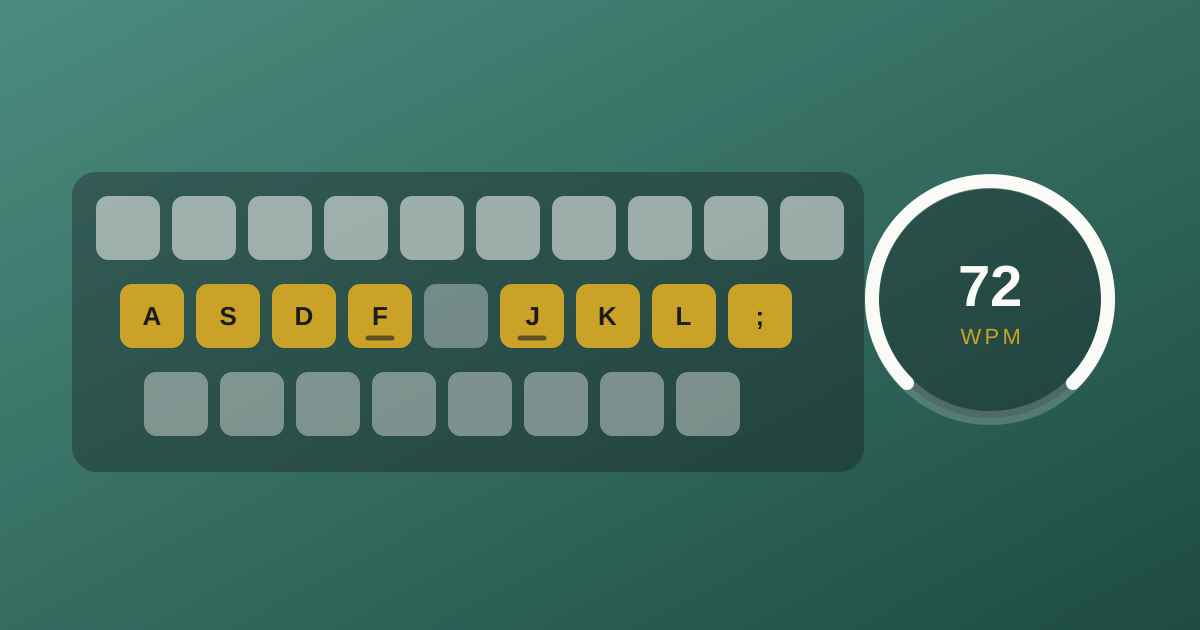
Keys on the virtual keyboard are color-coded to match. This guide stays visible during practice.
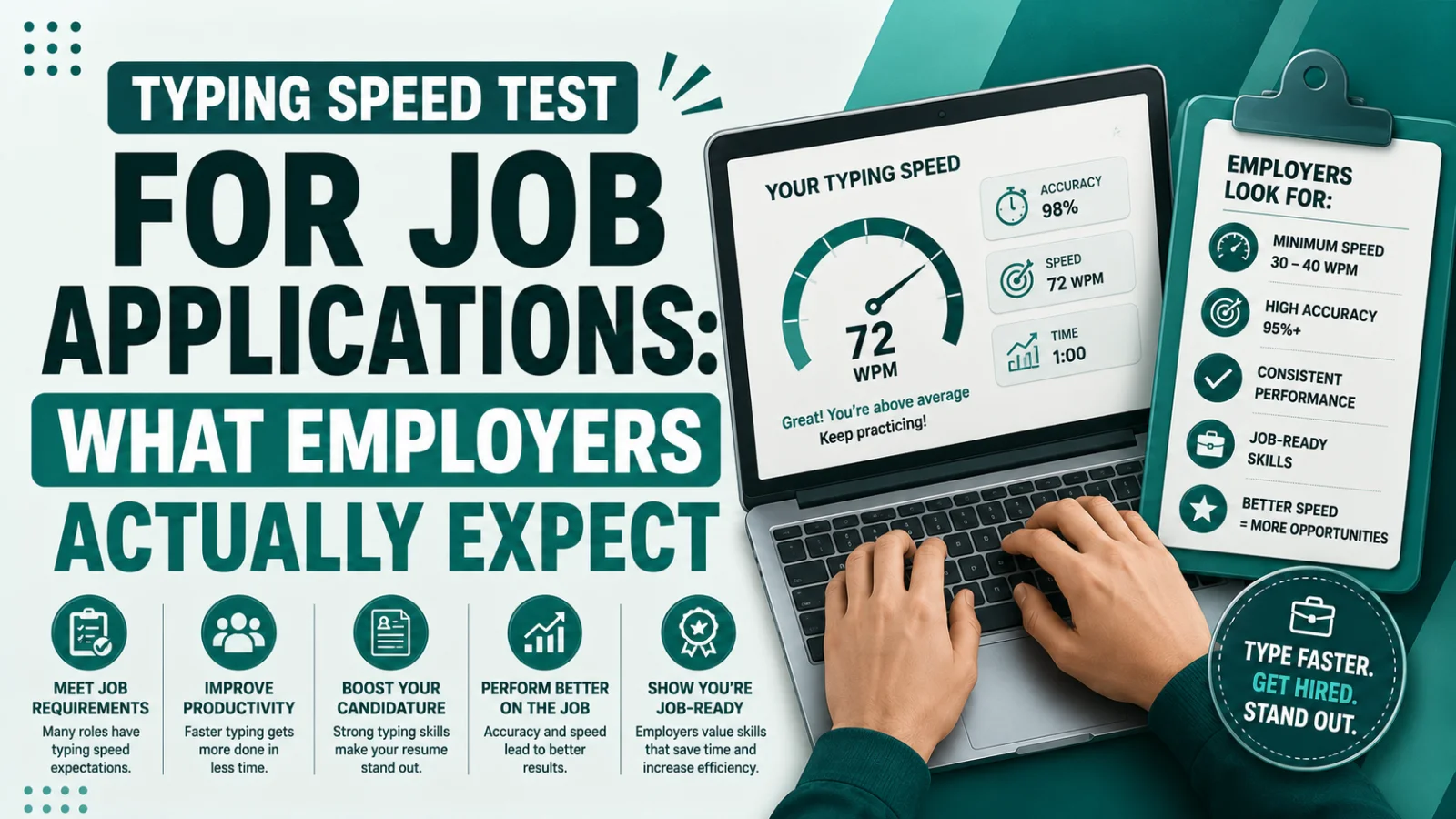
A typing test that measures speed and helps you improve it
Most typing tests give you a number and leave you there. This one shows the number as you type -- words per minute, accuracy and mistakes, live -- and pairs it with the training aids that actually move it: a color-coded virtual keyboard, a finger placement guide, and a touch typing mode that takes both away when you are ready. Nothing is uploaded and there is no account to create; the test runs entirely in your browser.
How to use it
- 1
Set the test up
Pick a duration (15 seconds to 5 minutes), a difficulty, and a text category. Shorter tests measure bursts; a full minute or more is a fairer picture of your real speed.
- 2
Start typing
The timer starts on your first keystroke, so there is no countdown to race. Correct characters turn green, mistakes turn red, and the cursor shows exactly where you are.
- 3
Watch the live stats
Words per minute, accuracy, mistakes and time remaining update as you go. Glance at accuracy rather than speed — it is the number that decides whether the speed is real.
- 4
Use the training aids
Keep the virtual keyboard on while you are learning the layout, and use the finger placement guide to check which finger owns each key. Turn on touch typing mode to hide both once you no longer need them.
- 5
Read the result, then run it again
The result screen breaks down net and gross WPM, accuracy and your problem keys. Repeat the same duration a few times a day rather than one long session.
Features
Live WPM and accuracy
Speed, accuracy, mistakes and time remaining update on every keystroke instead of waiting for the end.
Timed or untimed runs
From 15-second bursts to five-minute endurance runs. The clock starts when you do, not before.
Difficulty levels and categories
Beginner through advanced text across ten categories, so practice material matches what you actually type.
Interactive virtual keyboard
A color-coded keyboard that lights up in time with your key downs and highlights the next key to press.
Finger placement guide
Shows which finger owns each key, so you build the correct habit instead of a fast but limiting one.
Touch typing mode
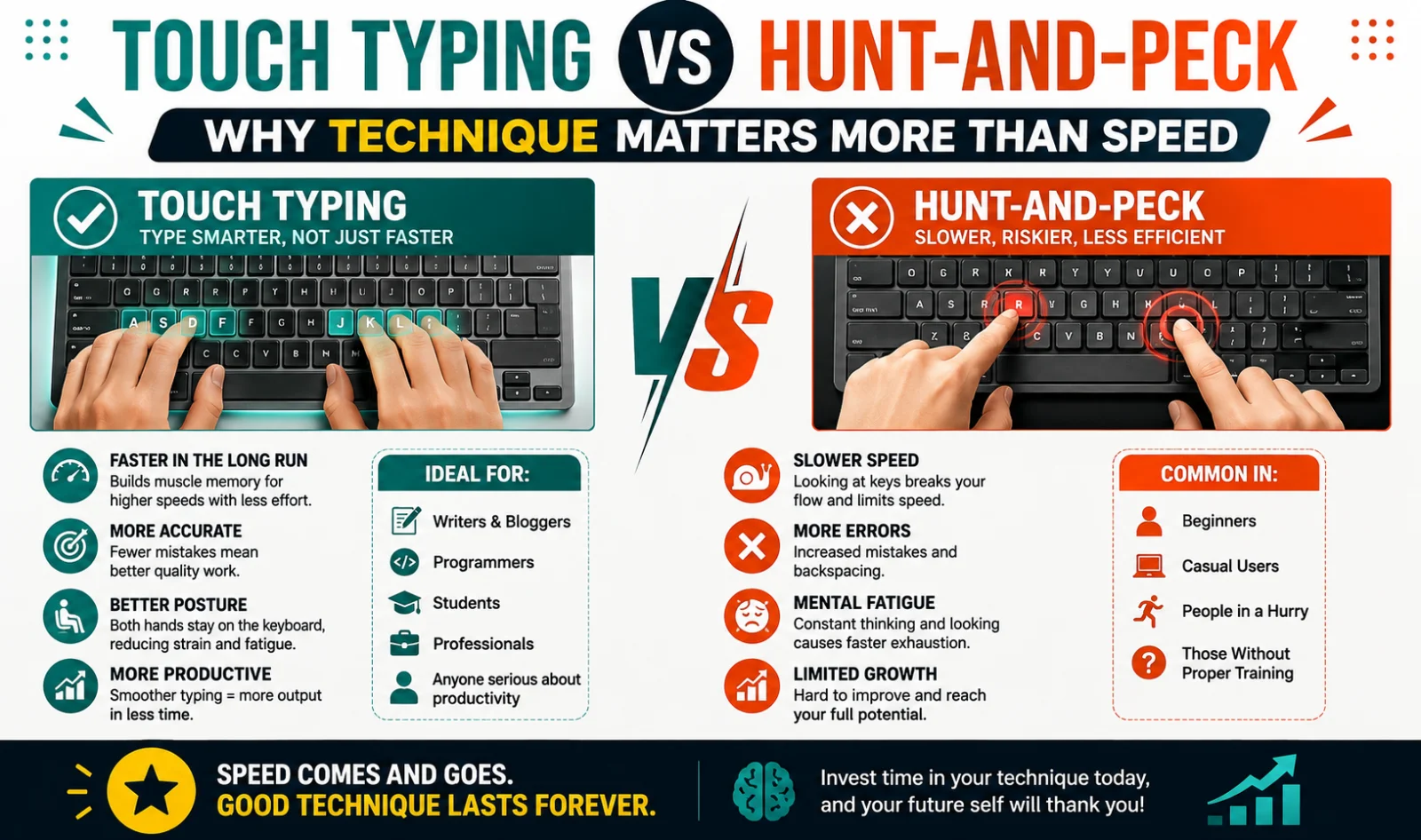
Hides the keyboard and, optionally, the characters you type — the fastest way to stop looking down.
Keystroke sound themes
Mechanical, laptop, soft or typewriter feedback, or silence if you would rather hear yourself think.
Detailed result breakdown
Net versus gross WPM, accuracy, characters typed and the mistakes that cost you the most time.
XP and daily streak
Light progress tracking, because fifteen minutes a day beats a two-hour session over the weekend.
Runs entirely in your browser
No sign-up, no upload, no tracking of what you type. Close the tab and nothing is left behind.
Frequently asked questions
What's the difference between Net and Gross WPM?
Gross WPM counts every keystroke; Net WPM subtracts errors, so it reflects your effective typing speed.
Can I practice without looking at the keyboard?
Yes — enable Touch Typing Mode to hide the virtual keyboard and optionally your typed characters.
Are personal bests saved?
Not yet in this build — that requires an account/leaderboard backend, which is stubbed on the result screen.
Rate Typing Test
No account needed, and ratings are anonymous.