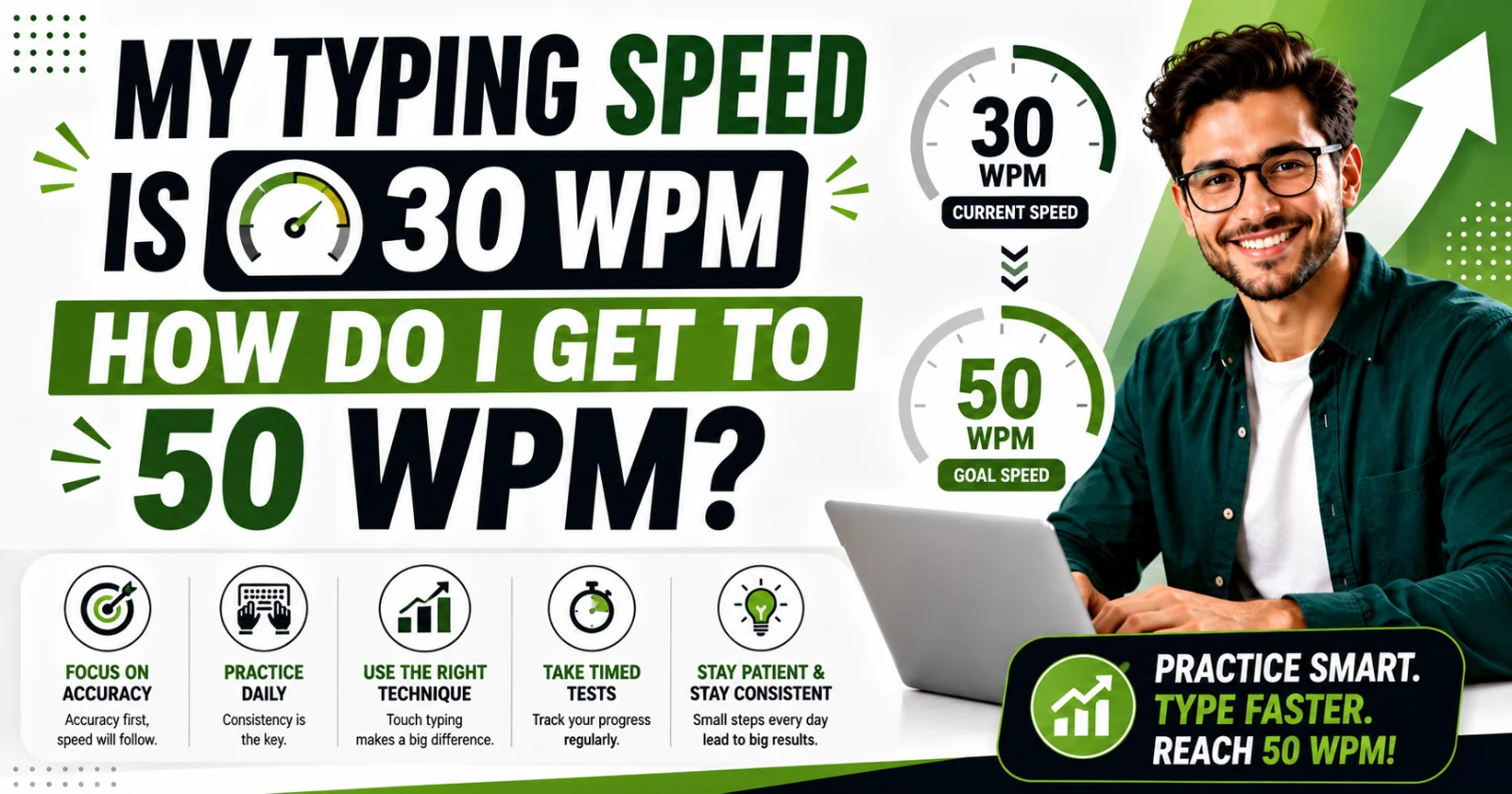
My Typing Speed Is 30 WPM — How Do I Get to 50 WPM?
Going from 30 to 50 WPM is a specific, learnable jump — not a vague "practice more" goal. Here's exactly what to work on, in the right order.
On this page9 sections
Let's start with the number itself. Thirty words per minute puts you close to typical typing speed for someone who learned to type on their own, without ever formally practicing proper technique. Fifty words per minute is a real, well-defined step up — not "a little faster," but genuinely a different tier, one that comfortably covers most everyday typing and most office jobs. The good news is that this jump from 30 to 50 is one of the most well-understood improvements in typing, because it almost always comes from the same handful of fixable habits, not from some mysterious natural talent gap.
I'll walk you through this the way I'd walk a student through it in person: figure out what's actually holding your speed at 30 first, then fix things in the right order, because fixing them out of order wastes time.
Step one: find out what's actually capping you at 30
Before touching any drills, you need an honest answer to one question: are you touch typing, or are you looking at the keyboard?
This matters more than almost anything else in this article, so sit with it for a second. If you look down at the keys while you type — even occasionally, even just to "check" — you are not yet touch typing, no matter how fast you feel like you're going. And if you're using two, three, or four fingers instead of all ten, the same applies.
Here's why this is the actual ceiling for most people stuck around 30 WPM: hunt-and-peck typing (looking down, using a few fingers) has a real, structural limit. It's not that you're not trying hard enough — the method itself runs out of room somewhere between 40 and 60 WPM for most people, no matter how many years they practice it. You can absolutely push your current method a bit faster, but you'll hit a wall well before 50 if you don't change how you're actually typing.
If you're already touch typing properly — ten fingers, home row, not looking down — then your path to 50 is different, and simpler: it's really just about targeted drilling and accuracy, which I'll get into below.
Step two: check where your keyboard skills actually stand right now
Don't guess. Go take an actual timed typing test and write down the number, along with your accuracy percentage. This becomes your baseline — the number every future practice session is trying to beat.
A quick note here, because it trips a lot of people up: your test result should measure net WPM, not gross WPM. Gross WPM counts every keystroke you typed, mistakes and all. Net WPM subtracts a penalty for errors, which is the number that actually reflects usable typing speed — and it's the number most real-world typing test scenarios, like job assessments, actually use. If a typing test tool only shows you one number and it looks suspiciously high compared to how the typing felt, there's a good chance it's gross WPM, not net.
Test yourself for at least a full minute, not fifteen seconds — short bursts are unreliable and tend to flatter you.
Step three: fix accuracy before you chase speed
This is the step almost everyone skips, and it's the reason a lot of practice doesn't actually move the number.
Here's the math behind why accuracy comes first: every mistake you make costs you far more time than the single keystroke that caused it. You have to notice the error, hit backspace, and retype the correct letter — that's at minimum three actions to fix what should have been one. If you're typing quickly but sloppily, your net WPM (the number that actually counts) ends up lower than if you'd typed a bit slower with fewer mistakes.
So for the first week of practice, deliberately slow yourself down. Type at a pace where you're making very few errors — even if that pace feels embarrassingly slow compared to what you think you're capable of. This isn't wasted time. You're building the correct motor pattern, and speed layered on top of a clean, accurate pattern is far more durable than speed you rushed into.
Step four: build a short, daily practice habit
Fifteen to twenty minutes a day, most days of the week, will get you from 30 to 50 faster than one long two-hour session on a Sunday. This isn't a motivational tip — it's how motor skills like typing actually get encoded. Your fingers need frequent, repeated signals to build the muscle memory, and long gaps between practice sessions let that memory fade before it's locked in.
A simple daily structure that works well:
- 1Warm-up (2-3 minutes): relaxed typing, any text, just to get your hands moving
- 2Targeted practice (8-10 minutes): drills on whatever is specifically slowing you down — often specific letters, numbers, or punctuation
- 3Timed test (2-3 minutes): one real test, same duration each day, so your results are comparable over time
If you skip straight to step three every day without steps one and two, you'll plateau faster, because you're not actually training anything — you're just repeating the same test.
Step five: identify and drill your specific weak points
Once your baseline accuracy is solid, look closely at where your errors and hesitations actually happen. Almost nobody types uniformly slow across the whole keyboard — most people are reasonably fast on common letters and noticeably slower on a specific handful of keys.
Common culprits:
- Q, Z, and X — these letters are rare in everyday English, so your fingers never get enough natural repetition on them
- Numbers — the number row sits further from home position than the letters, and most people never formally learned finger placement for it
- Punctuation — commas, semicolons, and shifted symbols require an extra reach or a Shift-key combination, which breaks rhythm if it isn't practiced
Once you know your specific weak spots, drill just those — a few minutes of focused repetition on your actual problem areas moves the needle faster than generic typing practice.
Step six: track your number honestly, and expect a real timeline
With consistent short practice, most people move from around 30 WPM to 40 WPM within the first one to two weeks, then from 40 to 50 over the following one to two weeks. That's a general pattern, not a guarantee — some people move faster, especially if the main issue was technique rather than raw speed, and some take a bit longer, especially if there's a bigger habit (like hunt-and-peck) to unlearn first.
What matters more than hitting an exact date is the trend. If you're testing consistently and the number is moving up over two or three weeks, the plan is working. If it's flat after two full weeks of genuine daily practice, that's usually a sign the underlying technique still needs attention — go back to step one and check honestly whether you're still glancing at the keyboard.
A quick note on what "good" actually means at each stage
It helps to know where you're headed, so you're not chasing a vague target. Typical typing speed for an average adult sits somewhere in the high 30s to mid-40s WPM. Fifty WPM comfortably clears that average and puts you in solid territory for most everyday and office typing needs. If you keep going past 50, the next natural milestones are 60 (strong for most jobs) and 70 — and yes, 70 WPM is considered a genuinely fast typing speed, well above what most roles require.
How to check your progress properly
The only honest way to know if any of this is working is to test yourself the same way, at the same duration, on a regular basis — not to guess based on how typing "feels" that day, since that feeling is notoriously unreliable. A typing speed test that shows both your WPM and your accuracy together gives you the real picture: whether you're getting faster, whether your accuracy is holding steady while you speed up, or whether you're just trading accuracy for a temporarily higher number that won't hold up under a real assessment.
If it turns out your core issue is technique rather than speed drills, it's worth reading through our comparison of touch typing vs. hunt-and-peck, which explains exactly why switching technique — not just practicing your current method harder — is usually the faster route past a stubborn plateau. And once you're closer to your goal, our guide on what counts as a good WPM breaks down realistic benchmarks by age and job, so you know exactly where 50 WPM sits and what's worth aiming for after that.
Putting it together
Here's the short version of everything above, in the order to actually do it:
- 1Confirm whether you're touch typing or hunt-and-peck typing — this decides which path you're on
- 2Take a real, timed baseline test and note your net WPM and accuracy
- 3Spend the first week prioritizing accuracy over speed, even if it feels slow
- 4Practice fifteen to twenty minutes daily, not in occasional long sessions
- 5Drill your specific weak keys once you know what they are
- 6Retest under the same conditions every few days and trust the trend, not any single test
Thirty to fifty WPM is not a huge leap in the grand scheme of typing skill — it's a well-worn path that a lot of people have walked before you, and it responds well to structure. Follow the order above, and the number moves.
Was this guide useful?
Your vote is anonymous and helps us decide what to write next.
Frequently asked questions
How long does it realistically take to go from 30 WPM to 50 WPM?
With consistent short daily practice, most people see this happen within two to four weeks, though the exact timeline depends on whether the underlying issue is technique or just raw speed.
Is 30 WPM a bad typing speed?
No — 30 WPM is close to average for someone who never formally learned touch typing. It's simply below the level most office jobs and typing-heavy tasks expect, which makes 50 WPM a reasonable next goal.
Should I focus on speed or accuracy first when trying to improve?
Accuracy first. Every mistake costs more time to fix than it took to make, so building speed on top of unreliable accuracy usually slows down your actual, net typing speed rather than helping it.
Do I need to relearn touch typing if I'm stuck at 30 WPM?
If you're still looking at the keyboard or using only a few fingers, yes — that method has a real ceiling that will make reaching 50 WPM much harder without switching to proper touch typing technique.
How much should I practice each day to improve my typing speed?
Fifteen to twenty minutes of focused daily practice tends to work better than occasional long sessions, since typing speed is a motor skill built through frequent, consistent repetition.
Is 70 WPM a good typing speed to aim for eventually?
Yes — 70 WPM is considered a fast typing speed, well above the average adult range, and it comfortably meets the requirements of most typing-intensive jobs like data entry or customer support.