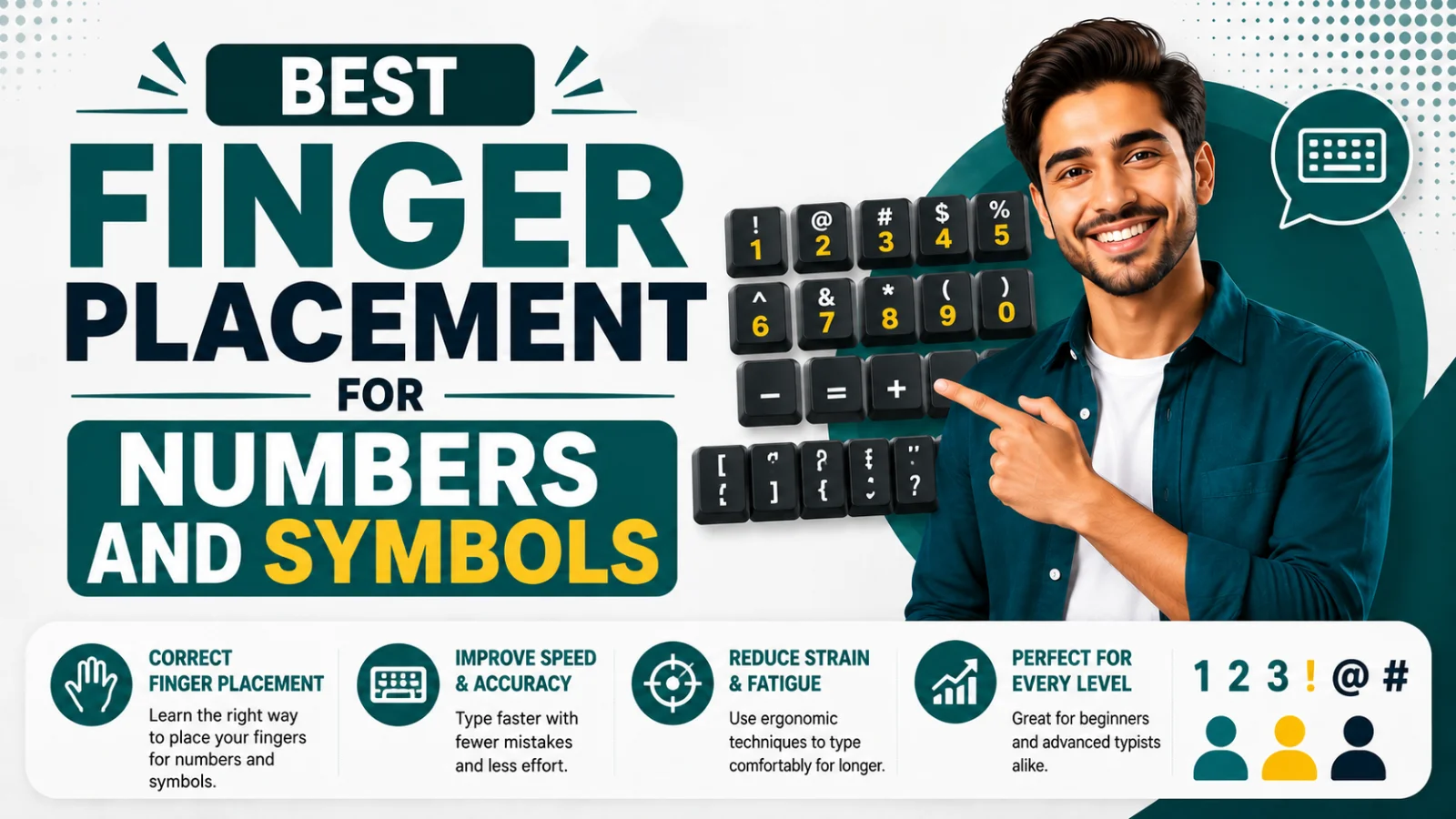
Best Finger Placement for Numbers and Symbols
Most typists never learn proper finger placement for the number row and symbols — they just reach and hope. Here's the correct mapping, key by key.
On this page11 sections
Most people who learned touch typing properly still never formally learned where their fingers are supposed to go for numbers and symbols — they just default to glancing down and reaching with whichever finger feels closest. That habit is exactly why numeric typing (dates, prices, phone numbers, data entry) so often feels noticeably slower and more error-prone than typing regular sentences, even for otherwise fast typists.
The fix is straightforward: the number row follows the exact same column-based finger logic as the letter rows. Once you know the mapping, numbers and symbols stop being a separate skill and become just another extension of the touch-typing technique you already use.
The core principle: column, not distance
Standard touch-typing technique assigns each finger to a vertical column of keys, not a general "zone." Your left index finger, for example, isn't just responsible for F and G — it's responsible for every key stacked directly above and below those keys, all the way up to the number row and down to the bottom row. This is the single most useful thing to understand before memorizing the full chart below: if you already know your letter finger assignments, you can often work out the correct number-row finger simply by looking at what letter sits in the same column.
Full finger placement chart: number row
| Key | Finger | Column reference |
|---|---|---|
| 1 | Left pinky | Same column as Q, A, Z |
| 2 | Left ring finger | Same column as W, S, X |
| 3 | Left middle finger | Same column as E, D, C |
| 4 | Left index finger | Same column as R, F, V |
| 5 | Left index finger | Same column as T, G, B (slight stretch) |
| 6 | Right index finger | Same column as Y, H, N (slight stretch) |
| 7 | Right index finger | Same column as U, J, M |
| 8 | Right middle finger | Same column as I, K, comma |
| 9 | Right ring finger | Same column as O, L, period |
| 0 | Right pinky | Same column as P, semicolon, slash |
| - (hyphen) | Right pinky | Just right of 0 |
| = (equals) | Right pinky | Just right of hyphen |
Notice that 5 and 6 both fall to the index fingers, since the number row is slightly wider than the letter rows below it — this is the one place where the "same column" rule requires a small stretch rather than a straight vertical reach, and it's worth deliberately practicing since it's a common source of hesitation.
Full finger placement chart: shifted symbols
Every symbol created by holding Shift and pressing a number uses the exact same finger as the number itself — the only change is that your opposite hand holds Shift.
| Symbol | Base key | Finger (same as base number) | Shift hand |
|---|---|---|---|
| ! | 1 | Left pinky | Right hand holds Shift |
| @ | 2 | Left ring finger | Right hand holds Shift |
| # | 3 | Left middle finger | Right hand holds Shift |
| $ | 4 | Left index finger | Right hand holds Shift |
| % | 5 | Left index finger | Right hand holds Shift |
| ^ | 6 | Right index finger | Left hand holds Shift |
| & | 7 | Right index finger | Left hand holds Shift |
| * | 8 | Right middle finger | Left hand holds Shift |
| ( | 9 | Right ring finger | Left hand holds Shift |
| ) | 0 | Right pinky | Left hand holds Shift |
| _ | - | Right pinky | Left hand holds Shift |
| + | = | Right pinky | Left hand holds Shift |
The "opposite hand holds Shift" rule is the same principle used for capitalizing letters — if the symbol key is on the left side of the keyboard, your right pinky presses Shift, and vice versa. Keeping this consistent is what allows fast typists to hit symbol combinations without looking down or breaking rhythm.
Punctuation and symbol keys outside the number row
A few frequently used symbols live outside the number row entirely, and they follow the same column logic based on their position relative to the home row.
| Key | Finger |
|---|---|
| ; (semicolon) | Right pinky |
| : (colon, Shift+;) | Right pinky |
| ' (apostrophe) | Right pinky |
| " (quotation mark, Shift+') | Right pinky |
| , (comma) | Right middle finger |
| . (period) | Right ring finger |
| / (forward slash) | Right pinky |
| ? (question mark, Shift+/) | Right pinky |
| [ (left bracket) | Right pinky |
| ] (right bracket) | Right pinky |
| \ (backslash) | Right pinky |
The right pinky carries an unusually heavy load among symbol keys — semicolon, apostrophe, brackets, and slash all fall to it, which is part of why the right pinky is often the weakest, least-practiced finger for many typists, and why symbol-heavy text (like code or formatted data) can feel disproportionately tiring.
Why numbers feel slower even for fast typists
Even typists with strong letter-typing speed often see their WPM drop noticeably on numeric or alphanumeric text. There are two real reasons for this, both worth understanding before you start practicing.
Numbers get far less repetition than letters. In ordinary writing, letters like E and T appear constantly, while numbers might appear only a handful of times per page. That means the muscle memory for number-row finger placement simply never gets built through everyday typing the way letter placement does — it has to be deliberately practiced instead.
The number row requires a slightly longer reach. Since the number row sits one full row above the top letter row, every number key requires your finger to travel further than any letter key does. That extra distance adds a small but real time cost per keystroke, which compounds noticeably across a long string of numbers, like a phone number or a price list.
Practicing correct finger placement for numbers
The goal of this practice isn't just to memorize the chart — it's to build the same kind of automatic muscle memory you already have for letters. Short, focused number-row drills accomplish this far faster than trying to pick it up incidentally.
Basic number row drill (left hand):
| Sequence | Repeat |
|---|---|
| 1 2 3 4 5 | 10 times |
| 12 34 51 25 43 | 10 times |
| 15243 51234 42315 | 5 times |
Basic number row drill (right hand):
| Sequence | Repeat |
|---|---|
| 6 7 8 9 0 | 10 times |
| 67 89 06 78 90 | 10 times |
| 67890 09876 86097 | 5 times |
Mixed number drill (both hands):
| Sequence | Repeat |
|---|---|
| 10 25 39 47 58 | 10 times |
| 1990 2024 3141 | 10 times |
| 555-1234 (555) 123-4567 | 5 times |
Practicing phone-number-style and date-style formats specifically is worth the extra attention, since these are the numeric patterns you'll actually type most often in daily life, making the drill practice transfer more directly to real use.
Practicing shifted symbols
Symbol drills should specifically emphasize the opposite-hand Shift coordination, since that's the part most typists never practiced formally and where hesitation usually shows up.
| Sequence | Repeat |
|---|---|
| ! @ # $ % | 10 times |
| Wait! Really? Great! | 10 times |
| Cost: $45.99 (20% off) | 10 times |
| Email: name@example.com | 10 times |
The last line combines the @ symbol with a realistic use case (an email address), which is a genuinely high-value drill since email addresses are something almost everyone types regularly.
A common mistake: using the wrong finger "because it's easier"
A lot of self-taught typists develop a habit of reaching for the number row with whichever finger is physically closest in the moment, rather than the technically correct one — often the index finger for almost everything, since it's the most dexterous. This feels faster in the short term but caps your eventual ceiling, since it prevents the number row from ever becoming as automatic as letter typing. If you notice yourself doing this, it's worth consciously slowing down and using the correct finger from the chart above, even though it will feel slower for the first week or two of practice.
Numeric keypad finger placement (if your keyboard has one)
Full-size keyboards include a separate numeric keypad, which uses an entirely different finger mapping than the number row — worth knowing separately if your work involves heavy numeric data entry.
| Key | Finger |
|---|---|
| 7, 4, 1 | Index finger |
| 8, 5, 2, 0 | Middle finger |
| 9, 6, 3 | Ring finger |
| Enter, + | Pinky finger |
The numeric keypad is generally faster to master than the main number row, since all the keys are clustered closely together and the "5" key typically has a small raised bump (similar to F and J on the main keyboard) to help you find home position without looking.
How to know if your practice is working
The most reliable way to check progress is a live typing test that specifically includes numbers and symbols, rather than a standard prose-only test, since standard passages barely touch the number row. A typing speed test that includes mixed alphanumeric content will show whether your numeric WPM is catching up to your letter-typing WPM, which is the real marker of progress here.
If your overall typing technique still relies on looking at the keyboard or using an inconsistent finger-to-key mapping more broadly, it's worth addressing that foundation first — our guide on touch typing vs. hunt-and-peck explains why proper technique has a much higher ceiling than hunt-and-peck typing, numbers and symbols included. And if certain specific keys (rather than the whole number row) are your main sticking point, our guide on typing drills for weak keys covers targeted practice for individual problem keys.
Conclusion
Numbers and symbols follow the exact same column-based finger logic as letters — each key belongs to whichever finger already handles the letters directly above or below it, and shifted symbols simply add the opposite hand's Shift key on top of that same finger assignment. Because numbers appear far less often than letters in everyday typing, this mapping rarely gets learned automatically, which is exactly why deliberate, short, focused practice on the number row and symbol keys pays off faster than most people expect.
Was this guide useful?
Your vote is anonymous and helps us decide what to write next.
Frequently asked questions
Which finger should I use for the number 5?
The number 5 is typed with the left index finger, in the same column as T, G, and B, requiring a slight stretch since the number row sits wider than the letter rows.
Do shifted symbols use a different finger than their base number?
No — a shifted symbol always uses the same finger as its base number key. Only the Shift key, pressed by the opposite hand, changes.
Why does my typing speed drop so much when I type numbers?
Numbers appear far less often than letters in everyday writing, so the muscle memory for number-row finger placement rarely develops through normal typing alone, and the number row also requires a slightly longer finger reach than the letter rows.
Is the numeric keypad finger placement the same as the main number row?
No, the numeric keypad uses a completely separate finger mapping based on three columns (7-4-1, 8-5-2-0, 9-6-3), assigned to the index, middle, and ring fingers respectively.
Which finger handles the most symbol keys?
The right pinky handles an unusually large share of symbol keys, including semicolon, apostrophe, brackets, and forward slash, which is part of why that finger often feels like the weakest one for many typists.
How long does it take to build speed on the number row?
With short, focused daily practice, most people see a real improvement in numeric typing speed within one to two weeks, since the number row involves far fewer keys to master than the full alphabet.