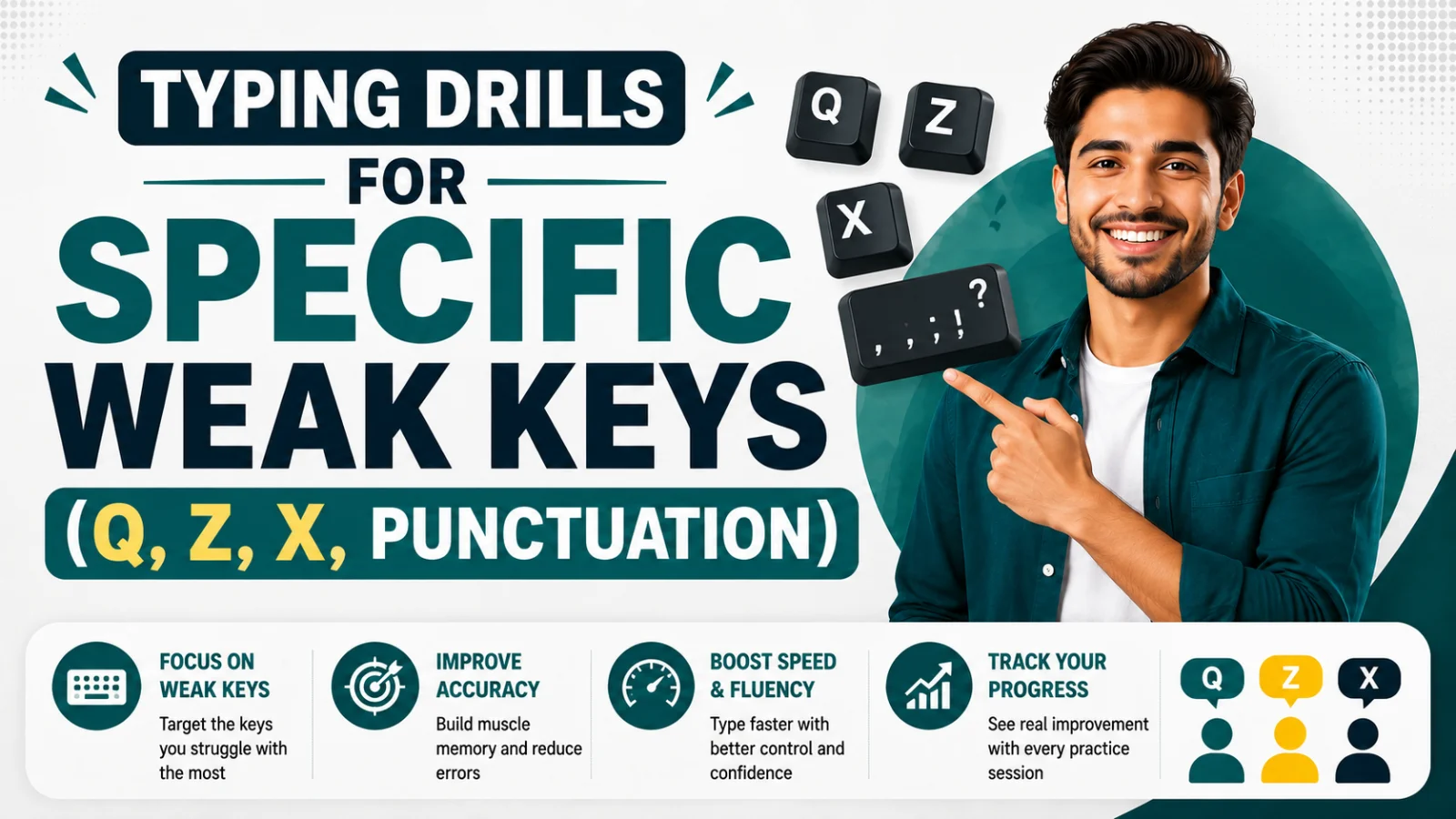
Typing Drills for Specific Weak Keys (Q, Z, X, Punctuation)
Most typists don't have a slow overall speed problem — they have three or four specific keys quietly dragging their average down. Here's how to drill them out.
On this page13 sections
Check your last few typing test results and there's a good chance the story isn't "I'm generally slow" — it's "I'm fast on 90% of the keyboard and slow on a specific handful of keys that keep tripping me up." Q, Z, X, and punctuation marks are the most common culprits, and they share a simple reason: none of them show up often enough in everyday English for your fingers to build the same automatic muscle memory they have for E, T, A, or space.
This is genuinely good news, because it means the fix isn't "practice typing more in general" — it's "drill these four or five specific keys until they're no longer weak." That's a much smaller, more solvable problem, and it's exactly what this guide walks through.
Why these specific keys stay weak
Touch typing speed is built almost entirely through repetition — the more times a finger makes a specific movement, the faster and more automatic that movement becomes. The letters E, A, R, T, and S get an enormous amount of repetition just from ordinary typing, since they're some of the most frequent letters in English. Q, Z, and X sit at the opposite end: Q appears in roughly 0.1% of English text, Z in about 0.07%, and X in around 0.15%. At that frequency, your fingers might go days without touching them in normal writing, which means the muscle memory for those specific movements barely gets reinforced.
Punctuation has a different problem. It's not rare — commas, periods, and apostrophes appear constantly — but each one either requires a Shift-key combination (colons, quotation marks, question marks) or sits at the far edge of the standard letter block (semicolon, comma, period), which interrupts the smooth, centered rhythm your hands build around the home row. That interruption is what causes the hesitation, even for punctuation you technically use often.
How to find your actual weak keys
Before drilling blindly, it's worth confirming which keys are actually slowing you down, since not everyone's weak points are identical. A few ways to check:
- Review your typing test error patterns. If you consistently mistype or hesitate on the same 3-4 keys across multiple tests, that's your real weak list — not just an assumption.
- Watch for pauses, not just errors. A key you don't miss but visibly slow down for is still a weak key, even if it doesn't show up as an error.
- Notice which words you dread. If certain words ("quiz," "size," "exam") make you slow down every time, the shared key is usually the giveaway.
Most typists land on the same short list — Q, Z, X, and 2-3 punctuation marks — but confirming your specific pattern means you're not wasting drill time on keys that were never actually a problem.
Drill 1: Isolating Q
Q is almost always followed by U in English, which is actually useful — it means you can drill the Q-U combination directly rather than Q alone, since that's how it will actually appear in real typing.
Left pinky drill (Q sits under the left pinky, home row reach up-left):
| Sequence | Repeat |
|---|---|
| qu qu qu qu qu | 10 times |
| quick quick quick | 10 times |
| quiet quite quilt quiz | 5 rounds |
| The quick quail quit quietly. | 10 times |
Focus specifically on returning your pinky to the A key (home row) between each repetition, rather than letting it hover near Q. This return-to-home habit is what actually builds the speed — the reach up to Q matters less than how quickly and automatically your finger snaps back.
Drill 2: Isolating Z
Z sits under the left pinky as well, one row down from Q, which means your pinky is doing double duty for two of the least-practiced keys on the keyboard — worth knowing, since it explains why Z often feels even more awkward than Q for many typists.
| Sequence | Repeat |
|---|---|
| za zi zo zu ze | 10 times |
| zone zoom zebra zero | 10 times |
| zigzag zipper puzzle prize | 5 rounds |
| The zebra zoomed past the zoo gate. | 10 times |
Because Z sits below the home row rather than above it (unlike Q), the drill motion is different — a downward pinky reach rather than an upward one. Practicing both Q and Z in the same session is useful precisely because it forces your pinky to alternate between two different reach directions, which mirrors how these keys actually show up in mixed real-world typing.
Drill 3: Isolating X
X sits under the left ring finger, one row below home row — a slightly shorter reach than Z, but still enough of a stretch to disrupt rhythm if it's unfamiliar.
| Sequence | Repeat |
|---|---|
| xa xe xi xo xu | 10 times |
| exit exam extra exact | 10 times |
| box fox mix taxi next | 5 rounds |
| The fox fixed the extra taxi box. | 10 times |
X shows up more often in English than Q or Z, mostly in words like "exit," "extra," and "next," which makes this drill slightly more directly transferable to everyday typing than the Q or Z drills — you'll see the payoff in real writing faster.
Drill 4: Punctuation — commas and periods
Comma and period sit at the edge of the right hand's reach, operated by the right ring and pinky fingers respectively, and their awkwardness usually comes from typists glancing down to confirm placement rather than trusting the reach.
| Sequence | Repeat |
|---|---|
| a, b, c, d, e, | 10 times |
| Yes, no, maybe, later. | 10 times |
| Wait, stop, think, then act. | 10 times |
| First, second, third, done. | 10 times |
The goal here isn't speed on the letters — it's speed on the transition into the comma or period and back to the home row without looking down or pausing. Deliberately slow down the letters and speed up specifically the punctuation transition while practicing; that's the part actually being trained.
Drill 5: Punctuation — apostrophes and quotation marks
The apostrophe (and Shift+apostrophe for quotation marks) sits at the far right edge of the keyboard, reached by the right pinky — often the weakest, least-practiced finger overall, which compounds the difficulty.
| Sequence | Repeat |
|---|---|
| it's don't can't won't | 10 times |
| "Hello," she said. "Goodbye." | 10 times |
| I'm sure it's fine, isn't it? | 10 times |
| "Wait," he said, "that's not right." | 10 times |
Contractions are worth extra attention here because they're extremely common in everyday and conversational writing — this drill has an unusually high real-world payoff for the time invested compared to some other punctuation drills.
Drill 6: Semicolons and colons
Semicolon and colon (Shift+semicolon) live right next to the apostrophe, so if that finger is already a weak point, this drill compounds naturally with Drill 5.
| Sequence | Repeat |
|---|---|
| wait; think; act; done; | 10 times |
| Note: this matters; remember it. | 10 times |
| Rule one: be clear; rule two: be brief. | 10 times |
| She said: "Listen; this is important." | 10 times |
Semicolons and colons are used less frequently than commas in casual writing but appear constantly in professional, technical, and academic writing, so this drill matters more for some typists (writers, professionals) than others.
Drill 7: Question marks and exclamation points
Both require a Shift combination with keys at the right edge of the top row, making them one of the more physically awkward punctuation reaches on the keyboard.
| Sequence | Repeat |
|---|---|
| What? Why? How? Really? | 10 times |
| Stop! Wait! Look out! | 10 times |
| Is that true? I can't believe it! | 10 times |
| Really? That's amazing! Well done! | 10 times |
Because both marks require holding Shift while reaching to the top row, this drill also doubles as general Shift-key coordination practice, which tends to help typing speed more broadly, not just for these two marks.
Combining weak-key drills into one session
Once you've practiced each key or punctuation mark in isolation for a few days, combine them into a single mixed drill — this is closer to how these keys actually appear in real writing, mixed unpredictably rather than repeated in isolation.
Sample combined drill:
"Wait," she said quietly, "is that the exact size? I can't be sure; it's hard to tell from here. Zip it up and let's go — quick!"
This single passage deliberately packs in Q, Z, X, commas, periods, apostrophes, a semicolon, and a question mark, giving you a realistic mixed-practice challenge rather than an artificially repetitive one.
A practical weekly drill schedule
Spreading these drills across a week, rather than doing all of them in one long session, tends to build stronger muscle memory — this mirrors the same "short and frequent beats long and occasional" principle that applies to typing practice generally.
| Day | Focus |
|---|---|
| Monday | Q and Z drills |
| Tuesday | X drill + combined Q/Z/X passage |
| Wednesday | Comma and period drills |
| Thursday | Apostrophe and quotation mark drills |
| Friday | Semicolon, colon, question mark, exclamation point drills |
| Weekend | Full combined passage + a real typing test to check progress |
Ten to fifteen minutes a day following this structure is enough for most people to notice a real difference in their weak-key hesitation within two to three weeks.
Tracking whether the drills are actually working
The only reliable way to know if targeted drilling is paying off is to check your results against a real baseline, not just a subjective sense of "that felt smoother." Take a typing speed test before you start this drill plan, then again after one and two weeks, using a passage that naturally includes a realistic mix of letters and punctuation rather than one that avoids your weak keys. If your overall WPM inches up and your error rate on words containing Q, Z, or X drops, the drills are working.
If your weak keys turn out to be a broader technique issue rather than just a handful of specific keys — for instance, if you're still looking at the keyboard or using only two or three fingers overall — it's worth addressing that foundational technique first. Our guide on touch typing vs. hunt-and-peck explains why switching technique matters more than drilling individual keys in that case. And if you want a fuller sense of what "good" actually looks like once your weak keys improve, what's a good WPM breaks down realistic benchmarks by age, job, and skill level.
Conclusion
A slow overall typing speed is often really a story about three or four specific weak keys — usually Q, Z, X, and a couple of punctuation marks — that never got enough repetition to become automatic. Isolating each one with a short, focused drill, then combining them into mixed practice that mirrors real writing, builds the muscle memory that generic typing practice alone tends to skip over. Ten to fifteen minutes a day, spread across a week rather than crammed into one session, is usually enough to turn these specific weak points into just... keys, no different from any other.
Was this guide useful?
Your vote is anonymous and helps us decide what to write next.
Frequently asked questions
Why are Q, Z, and X specifically the weakest keys for most typists?
These letters appear far less often in everyday English than common letters like E or T, so the muscle memory needed to type them quickly never gets enough repetition through normal typing alone.
How long does it take to fix a weak key with targeted drills?
Most people notice a meaningful improvement within two to three weeks of short, consistent daily drilling, though this varies based on how much practice time is put in.
Should I drill punctuation the same way as letters?
Mostly yes, though punctuation drills should specifically focus on the transition into and out of the punctuation mark, since that transition — not the mark itself — is usually what causes hesitation.
Is it better to drill one weak key at a time or mix them together?
Both matter — isolating a single key first builds the specific muscle memory faster, but combining weak keys into mixed practice afterward better reflects how they actually appear in real writing.
Can weak keys alone explain a slow typing speed, or is technique usually the bigger issue?
It depends on the person — if your overall technique is solid but a few specific keys lag, targeted drills are the right fix. If you're still using an inefficient technique overall, that's usually the bigger factor to address first.
How can I tell if my weak-key drilling is actually working?
Track your WPM and error rate on a realistic typing test before starting and periodically afterward — real, measured progress on a passage that naturally includes your weak keys is more reliable than how the practice feels in the moment.