Typing Speed Test for Job Applications: What Employers Actually Expect
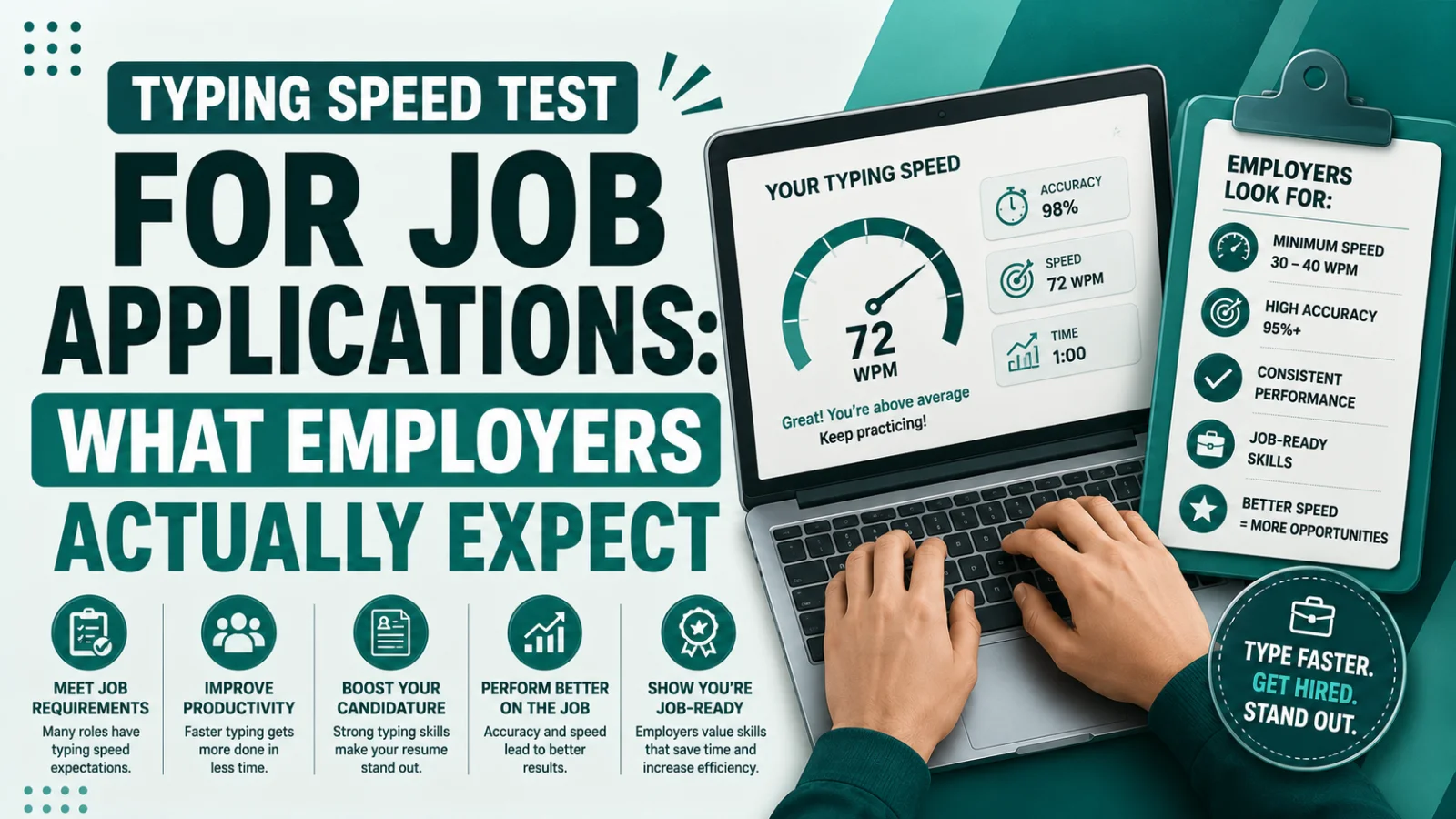
60 WPM required" rarely means what it looks like. Here's how employer typing tests actually score you, what counts as passing by role, and how to prepare.
On this page7 sections
A job listing that says "60 WPM required" looks like a simple bar to clear: take a typing test, hit 60, move on. In practice, that single number hides several things that matter just as much as raw speed — how the test actually scores you, what error rate is considered acceptable, and whether the role even measures speed the way you'd expect. Understanding what's actually behind the stated requirement is the difference between walking into a typing assessment prepared and being surprised by a "fail" on a test you thought you passed.
Why employers test typing speed at all
Typing tests exist because employers need to verify a candidate can actually perform the job, not just claim they can on a resume. For roles built around sustained typing — data entry, transcription, administrative support, customer correspondence — a slow typist represents a real, measurable productivity gap. A typist working at 30 WPM takes roughly twice as long to process the same volume of text as one working at 60 WPM, and across a full workday or a high-volume role, that gap compounds into a meaningful difference in output. Testing also reveals something a resume can't: accuracy under time pressure, which matters as much as speed in almost every professional typing context.
Net WPM vs. Gross WPM — the distinction that catches people off guard
This is the single most common source of confusion around employer typing tests. Most free online typing tests default to showing gross WPM — your raw typing speed, calculated purely from how many words you produced in the time allowed, with no adjustment for mistakes. Employer assessments, by contrast, almost always score net WPM, which takes your gross speed and subtracts a penalty for each uncorrected error, typically one word per error. The formula generally works out to something like: Net WPM = Gross WPM − (uncorrected errors ÷ minutes tested).
The practical effect of this is significant. Someone who types 70 gross WPM but leaves five uncorrected errors in a one-minute test might net out closer to 65 WPM. If the job requirement is 60 WPM, that candidate still passes — but a candidate who types 70 gross WPM with fifteen uncorrected errors could net down to 55 WPM and fail a requirement they thought they'd cleared comfortably based on a casual online test result. Practicing against your gross speed alone can create a false sense of security; what actually matters on test day is your net score.
What WPM requirements actually look like by role
Requirements vary more by role than most job seekers expect, and the "one universal typing speed" mental model doesn't hold up once you look at actual postings across different fields.
| Role | Typical WPM requirement | Accuracy floor | Notes |
|---|---|---|---|
| General office / clerical | 40-55 WPM | 95%+ | Typing is one of several tasks, not the primary skill being measured |
| Administrative assistant / secretary | 50-60 WPM | 95%+ | Often paired with document formatting and correspondence skills |
| Data entry (general) | 50-70 WPM | 95-97%+ | Frequently tested on numeric/alphanumeric strings, not just prose |
| Data entry (high-volume/competitive) | 65-80 WPM | 97-99%+ | Best-paying remote data entry roles often set this higher bar |
| Customer support / live chat | 50-65 WPM | 95%+ | Response speed is often a directly tracked performance metric |
| Legal transcription | 75-90 WPM | 98%+ | Specialized vocabulary and formatting add difficulty beyond raw speed |
| Medical transcription | 80-100+ WPM | 98%+ | Highest bar of the roles listed here; errors carry real consequences |
| Government / civil service clerical | 40-50 WPM (varies by country) | 95%+ | Often published in official exam guides, sometimes tested in person |
A few practical implications follow from this table. If you're applying broadly across office and administrative roles, 50-60 WPM with strong accuracy comfortably covers the large majority of postings. If you're specifically targeting data entry, treat 65+ WPM as a more realistic competitive target rather than the bare posted minimum, since many of the better-paying roles in that category screen well above their stated floor. And if you're aiming at transcription work, recognize that the bar is meaningfully higher than general office typing — this isn't a category where "pretty fast" clears the requirement.
Understanding KPH, if a listing uses it instead of WPM
Not every job measures typing speed in WPM. Roles centered on numeric input — billing, financial processing, some government data entry — often use keystrokes per hour (KPH) instead, since numeric and code-based entry doesn't translate cleanly into "words." The rough conversion works out to KPH = WPM × 300, so a posting requiring 10,000 KPH is asking for roughly the equivalent of 33 WPM, while 18,000 KPH corresponds to about 60 WPM. If you see a KPH figure on a job posting, convert it before assuming you don't meet the bar — a number like "10,000 KPH" sounds intimidating but often represents a fairly ordinary typing speed once translated.
What the test itself might actually involve
Beyond the WPM number, the format of employer typing tests carries a few practical quirks worth knowing about in advance.
Backspace may be disabled. Some strict employer or agency-administered tests turn off the backspace key entirely, specifically to measure how accurately you type in real time rather than how well you clean up after yourself. This shifts the actual skill being tested from "fast, then corrected" to "accurate the first time," which can catch typists who normally rely on quick corrections off guard.
The text may not be conversational prose. Data entry and similar roles often test against numeric strings, alphanumeric codes, addresses, or product identifiers rather than natural sentences. Typists who test well on normal reading passages sometimes stumble on this kind of text, since it doesn't follow the predictable rhythm and word patterns that make prose typing feel intuitive.
The keyboard may not be your own. In-person testing, particularly through staffing agencies, often means testing on a keyboard you've never used — frequently a lower-quality membrane keyboard rather than whatever you type on daily. Typing speed can genuinely dip on an unfamiliar keyboard, especially if your muscle memory has adapted closely to your usual setup.
How to prepare before a typing assessment
Warm up immediately beforehand, not the night before. Ten to fifteen minutes of typing practice right before the assessment helps your hands settle into rhythm, similar to why athletes warm up before a timed event rather than relying on general fitness alone.
Practice under your actual constraints. If you know backspace will be disabled, practice a few sessions that way specifically — typing carefully with no correction available develops a different rhythm than typing with the safety net of easy fixes.
Prioritize accuracy over raw speed if the test is only days away. Because most assessments score net WPM, a controlled, accurate 55 WPM often beats a rushed, error-heavy 65 WPM that nets down below the requirement. If you're short on prep time, tightening accuracy is usually the faster win than chasing a higher gross speed.
Practice on the type of content you'll actually be tested on. If you're applying for data entry, spend some practice time on numeric and alphanumeric strings specifically, not just prose passages — the skill doesn't transfer as cleanly as it might seem.
Let your pace settle rather than starting fast. A controlled start that avoids a cluster of early errors is generally easier to recover from than a fast, panicked opening that produces several mistakes in the first few seconds and then has to be corrected under pressure for the rest of the test.
Checking where you stand before you apply
Since most job-related typing tests score net WPM with a real accuracy requirement attached, testing yourself under similar conditions ahead of time is the most reliable way to know whether you'd actually pass — rather than assuming a comfortable gross speed from casual typing translates directly into a passing net score. A typing speed test gives you both your WPM and accuracy on a standardized passage, which is a closer approximation of how an employer assessment will actually score you than simply estimating based on how fast typing feels.
If your current numbers are below what your target roles require, our guide on what's a good WPM breaks down realistic benchmarks by job and skill level, and touch typing vs. hunt-and-peck explains why switching technique — not just practicing harder with your current method — is usually the fastest way to meaningfully raise your ceiling. Read more there if you're building toward a specific job requirement rather than just curious where you stand.
Conclusion
A stated typing requirement like "60 WPM" is really shorthand for a combination of factors: net speed after error correction, a real accuracy floor that's often unstated but strictly enforced, and sometimes a completely different unit (KPH) or test format (no backspace, numeric strings) than a casual online typing test would prepare you for. General office work typically sits in the 40-55 WPM range, data entry in 50-70 WPM, and specialized transcription work well above that. Whatever role you're targeting, the most useful preparation is testing yourself under conditions that actually resemble the assessment — net WPM, real accuracy tracking, and the kind of text you'll actually be typing — rather than relying on a casual sense of how fast you type.
Was this guide useful?
Your vote is anonymous and helps us decide what to write next.
Frequently asked questions
What typing speed do most employers require?
It depends heavily on the role. General office and clerical work typically requires 40-55 WPM, data entry roles usually ask for 50-70 WPM, and specialized fields like legal or medical transcription can require 75-100+ WPM.
What's the difference between Net WPM and Gross WPM?
Gross WPM is your raw typing speed with no adjustment for mistakes. Net WPM subtracts a penalty for each uncorrected error, and it's the number most employer assessments actually use to determine whether you meet a stated requirement.
What does "60 WPM required" actually mean on a job posting?
It almost always means 60 net WPM, combined with an accuracy floor that's often unstated in the posting itself but typically falls between 95% and 99% depending on the role.
What is KPH and how does it relate to WPM?
KPH stands for keystrokes per hour, a metric some data entry and numeric-input roles use instead of WPM. The rough conversion is KPH = WPM × 300, so a posting requiring 10,000 KPH is asking for roughly 33 WPM.
Do employer typing tests disable the backspace key?
Some do, particularly stricter in-person or agency-administered assessments. This is designed to measure real-time accuracy rather than your ability to correct mistakes, and it can noticeably change your results compared to a normal online test.
How can I prepare for a typing test before a job interview?
Warm up for 10-15 minutes right before the test, practice under the same constraints if you know backspace will be disabled, and prioritize accuracy over raw speed if your test is only a few days away, since most assessments score net WPM rather than gross speed.
Is 50 WPM good enough to get hired for most jobs?
For general office and administrative roles, yes — 50 WPM with solid accuracy typically clears the bar. For data entry, transcription, or specialized typing-heavy roles, 50 WPM may fall short of what's actually expected.